Few things are more frustrating than checking your solar app and seeing zero generation on a bright day. The good news is that when a solar system stops working, the cause is often simpler than a major failure would be. The bad news is that some faults need an engineer, and a few are not safe to investigate yourself.
First, Is It a Sudden Stop or a Gradual Drop?
This is the most useful question to ask, because it points you in different directions:
- A sudden drop to zero usually indicates an electrical issue: a tripped switch, an inverter that has shut down, or a power cut.
- A gradual decline over weeks or months is more often down to dirt, shading or the system ageing.
The Most Common Causes
1. The inverter has a fault or has shut down
The inverter is the part of the system that converts your panels’ DC output into AC for your home, and it’s the most common point of failure. Look at the inverter’s display or status light. A red or orange light, or an error message, usually means it has detected a problem. Note the exact error code and the time you noticed it. Our guide to common inverter faults explains what the typical warnings mean.
2. A switch has tripped or been turned off
Your system has isolator switches, usually near the inverter and the consumer unit, and a protective switch in the consumer unit itself. A tripped breaker or an isolator that has been switched off, for example after a power cut or maintenance, can stop generation completely.
3. A power cut or a grid fault
If the grid goes down or the local supply falls outside the permitted limits, the inverter will disconnect for safety reasons. It normally reconnects on its own when conditions return to normal. If it keeps happening, make a note of when it happens.
4. A monitoring or Wi-Fi problem
Sometimes the system is fine, and only the app is wrong. If the app shows zero but the inverter display shows power being generated, the problem is the connection between the inverter and your internet, not the panels. This often follows a change of router or Wi-Fi password.
5. Dirt, shading or debris
A gradual drop can come from a buildup of dirt, leaves, or moss, or from new shading, such as tree growth. Light cleaning on the ground can help, as we explain in our guide to cleaning solar panels safely.
6. Birds nesting under the panels
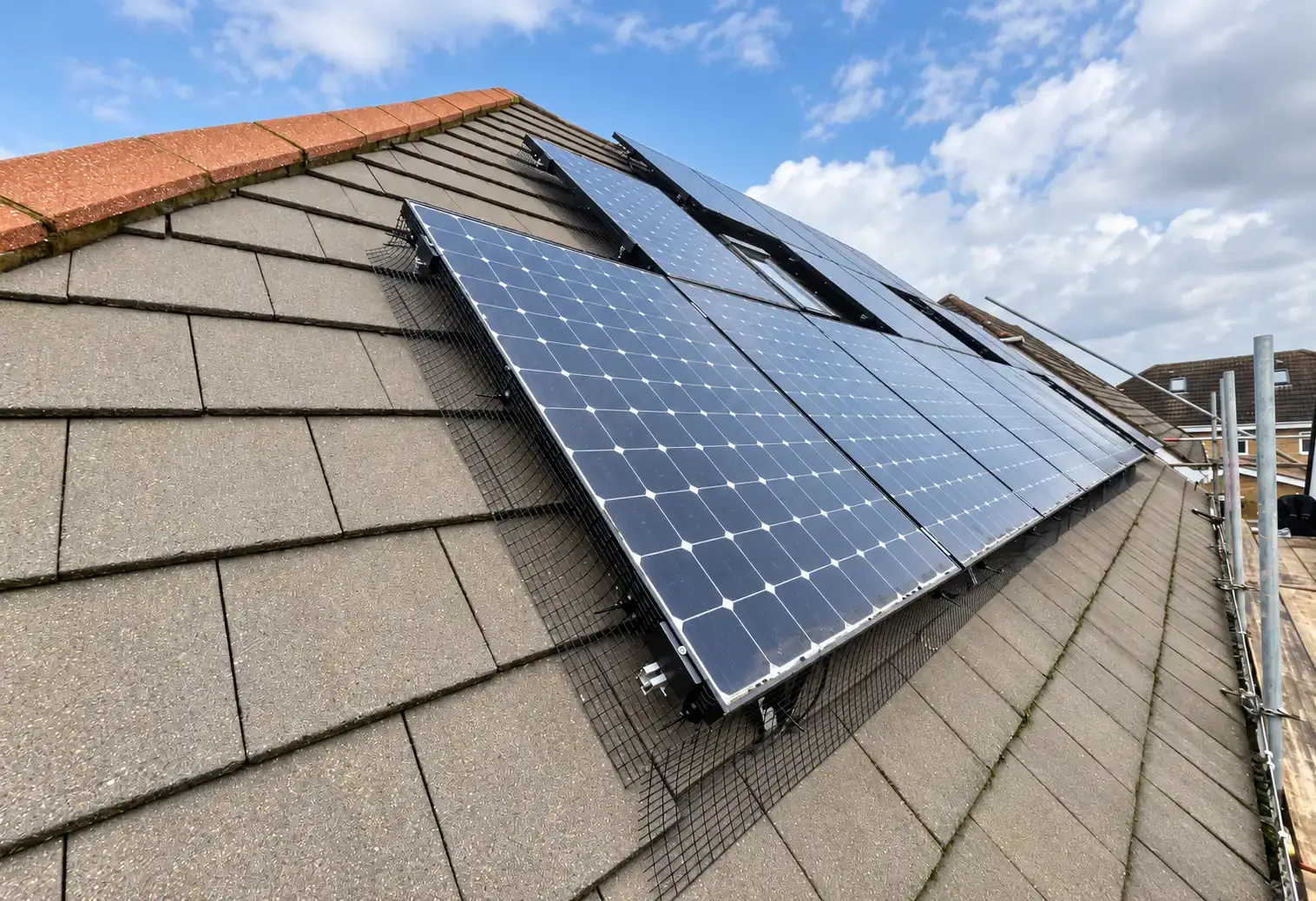
Nesting birds can damage wiring and block airflow in ways you can’t see from the ground. If you’ve noticed noise, droppings, or feathers, bird proofing addresses the cause, and any wiring damage will need to be checked.
7. A wiring, connector or panel fault
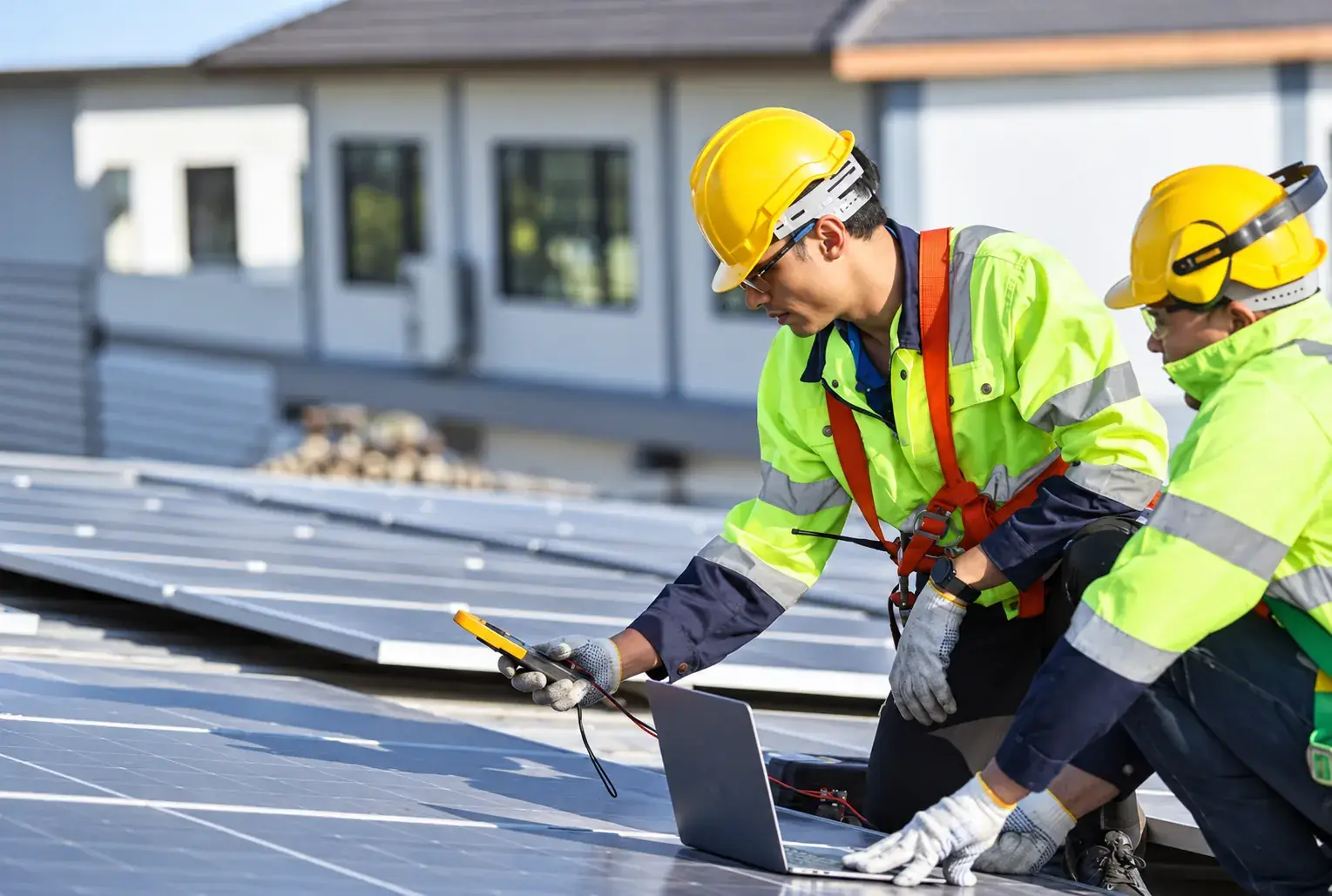
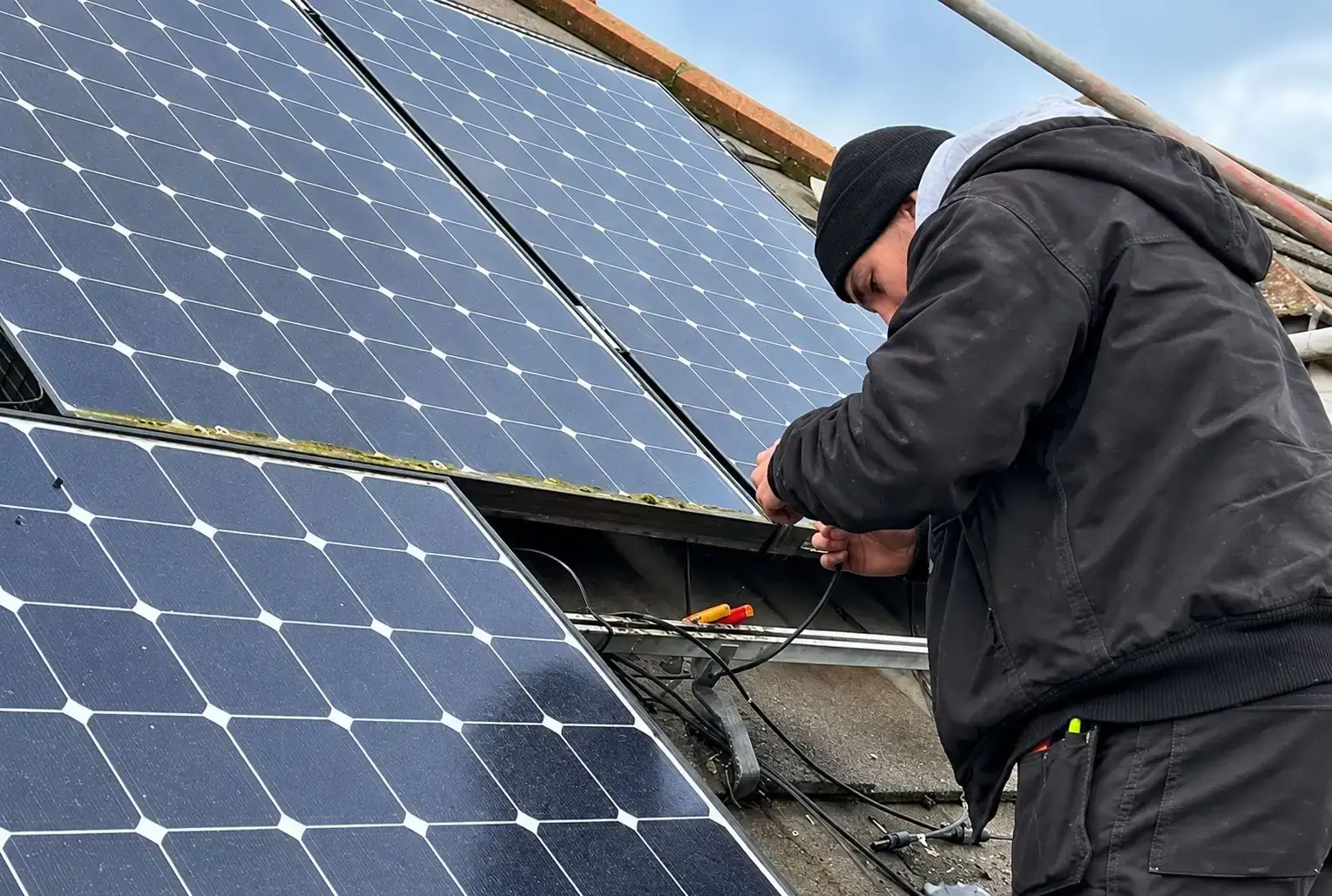
Damaged cables, loose or corroded connectors, or a failing panel can reduce or stop output. These faults can involve live DC electricity and are not something to investigate yourself.
What You Can Safely Check Yourself
- Look at the inverter display or status light and note any error code
- Check your app or monitoring against the inverter display
- Check whether the solar breaker in the consumer unit has tripped
- Check whether the isolator switches are on
- Look at the panels from the ground for obvious dirt, leaves or shading
What Not to Do
- Don’t climb onto the roof or use ladders to inspect panels.
- Don’t open the inverter or touch cables and connectors.
- Don’t keep resetting a breaker that trips again. If it trips repeatedly, something is wrong and needs an engineer.
- Don’t ignore an “isolation fault” or similar warning. These can indicate a wiring or insulation problem that requires professional attention.
Need an Engineer?
If your panels are still showing zero in good light after these checks, or you’ve found a fault code, a tripping breaker or visible damage, it’s time to get it looked at. Our engineers can diagnose the fault and tell you what needs to be done.
When It’s Not a Fault at All
Not every drop in generation means something is wrong. Output naturally falls in winter, on overcast days and when shading changes through the year. Compare like with like, such as the same month last year, before drawing conclusions.